Registering a remote academy is the beginning, not the end
Once you finish registering a remote tutoring academy, you feel the relief of having cleared a big hurdle. But the first month after registration is when the success or failure of your operations is really decided. Completing the paperwork to establish a remote academy doesn't mean the online academy will run by itself. A string of practical tasks remains: posting tuition fees, finalizing the timetable, informing students and parents, managing attendance, and checking your class tools.
In this article, we've listed in order the early operations items that directors tend to overlook right after registering a remote academy. If you are starting an academy or moving from offline to an online business, we suggest using it as a checklist and going through the items one by one.
Step 1: Posting tuition fees and checking your filing
A remote academy cannot charge anything other than the tuition fees it filed with the local office of education. Submitting your registration documents isn't the end of it. You need to double-check that what you actually post and charge matches what you filed.
Check that tuition fees are posted accurately on your website or on the introduction page of your online course platform
Check that the filed fees by subject and by hour match the amounts you actually bill
Check that the refund policy is stated together with the posted tuition fees
For remote academies for adults, confirm again with the local office of education whether separate rate standards apply
Tuition-related problems easily turn into complaints, so this is the first item to sort out within the first 30 days.
Step 2: Finalizing the timetable and setting up a learning management system
Unlike an offline academy, students at an online academy don't physically come to the academy, so classes easily become disorganized unless you set up a clear timetable and learning management system.
Finalize the class timetable by subject and level and announce it to students
Document in advance how makeup classes, absences, and late arrivals will be handled
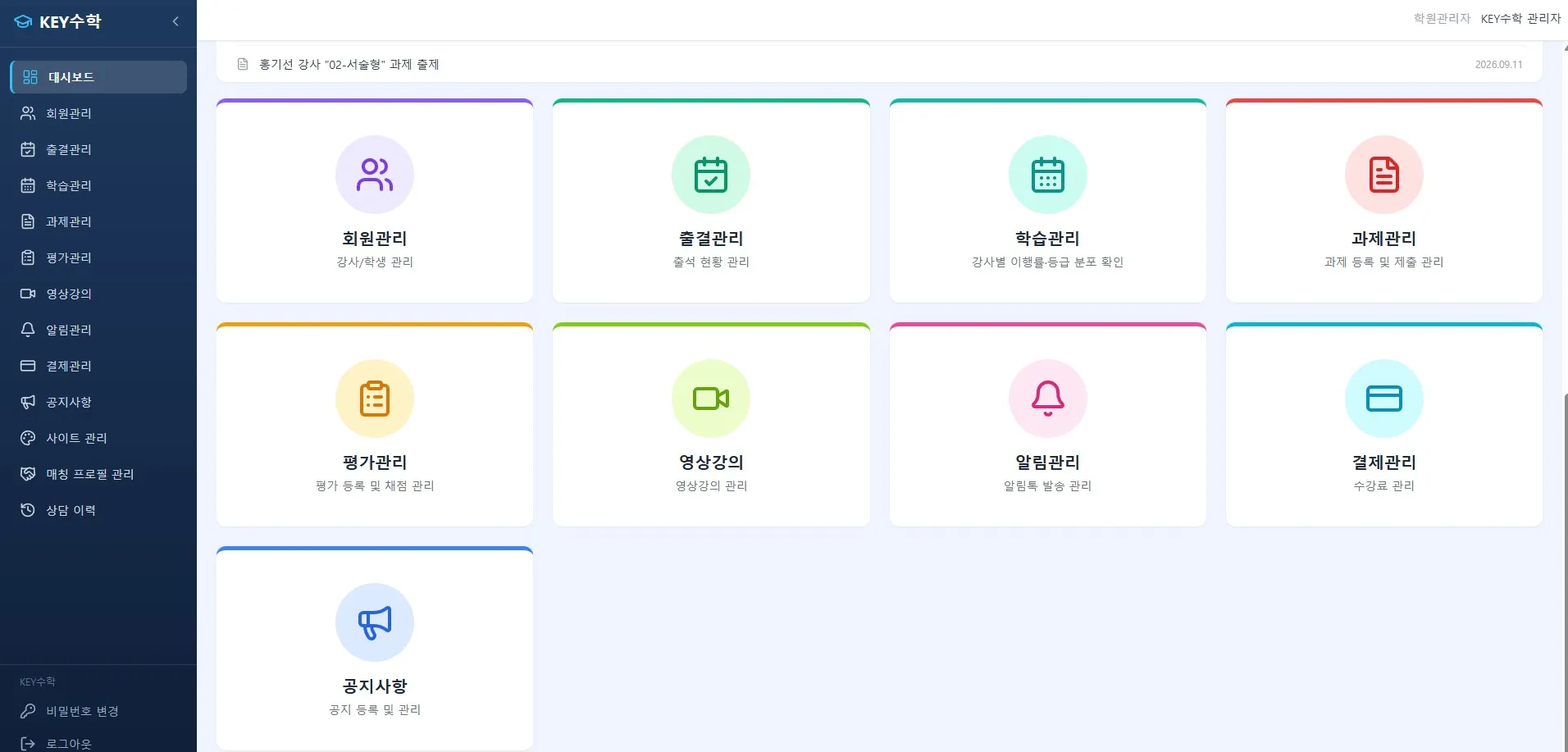
Set up a structure that lets you manage progress, assignments, and test schedules at a glance through a learning management system
Sort out each teacher's class preparation items and the deadline for uploading content
At this stage, if you use a tool that connects video lessons, assignments, tests, and attendance management in a single flow, such as the ClassCanvas learning management system, you can run learning management systematically without the director checking everything by hand each time. The first month in particular is a period of frequent trial and error, so organizing your learning management process from the start greatly reduces the operating burden later on.
Step 3: Informing students and parents and setting up communication channels
Because face-to-face consultations are difficult at a remote academy, you need a procedure for clearly explaining how the academy operates to students and parents.
Give advance instructions on how to join classes and which programs are needed (such as video class software)
Ask students to do a test connection before the first class to check their environment
Announce your absence, makeup class, and refund policies in writing in advance
Decide how often to send regular learning reports
When you run one-on-one or small-group classes, such as English or math video tutoring, parents tend to want to check on their child's progress more often. If you clearly set up communication channels and a reporting schedule early on, you'll spend less effort answering inquiries later.
Step 4: Deciding how to record attendance
Checking attendance is trickier at a remote academy than at an offline one. You need to clearly decide early on which standard counts as attendance, such as logging in, participating in class, or submitting assignments, to prevent disputes later.
Finalize the attendance criteria (login time, participation, assignment submission, etc.)
Check whether you have a system that records attendance automatically
Decide how to share attendance results with parents on a regular basis
Explain the procedure for requesting a makeup class after an absence
If you use the attendance management feature of the ClassCanvas learning management system, class participation records are saved automatically, so you can manage attendance data reliably without the director having to compile spreadsheets separately.
Step 5: Checking your class tools
Even if you tested your online course platform or video class tools before registration, unexpected problems can occur once many students actually connect at the same time.
Re-check video and audio stability at different numbers of simultaneous connections
Check that you are using features suited to your teaching method, such as one board per student or individual learning mode
For subjects that need individual feedback, check the screen sharing and handwriting features
Re-check that related documents, such as the domain registration certificate and the remote academy server rental contract, match your actual operating environment
If you use a tool that supports one board per student, individual feedback, and screen sharing, such as the ClassCanvas live class program, you can check each student's understanding right away during class, which helps stabilize your early operations.
First 30 days checklist summary
If you focus your first month of remote academy operations on the following five items, you can settle into a stable routine without much trouble.
Whether posted tuition fees match your filing
Finalizing the timetable and setting up a learning management system
Informing students and parents of how the academy operates
Finalizing how attendance is recorded
Checking class tools and server and domain documents
Final thoughts
If you poured a lot of energy into the remote academy establishment process while preparing to start an academy or an online business, the practical work after registration can easily get neglected. But the operating quality that students and parents actually experience is determined not by your registration certificate but by careful management in the first 30 days.
Go through the items one by one, from posting tuition fees to managing attendance and checking class tools, and if needed, consider tools such as the ClassCanvas learning management system and live class program as well. If you organize your first month systematically, running your academy will be much easier afterward.
Remote academy establishment procedure
Inquiries: 1661-9155 (Korean only)
ClassCanvas, the total solution for online remote academies