Not sure where to start with your online remote academy timetable?
When you run an online remote academy, the first problem you hit is timetable design. It is not like an offline academy, where you fill a fixed classroom with students; the question starts with what ratio of live video classes to recorded lectures to use. For subjects like math, where you need to see the solution process, screen sharing alone has clear limits. In this article, we walk through how to build a timetable that mixes live and recorded classes at an online remote academy, with a real class design example.
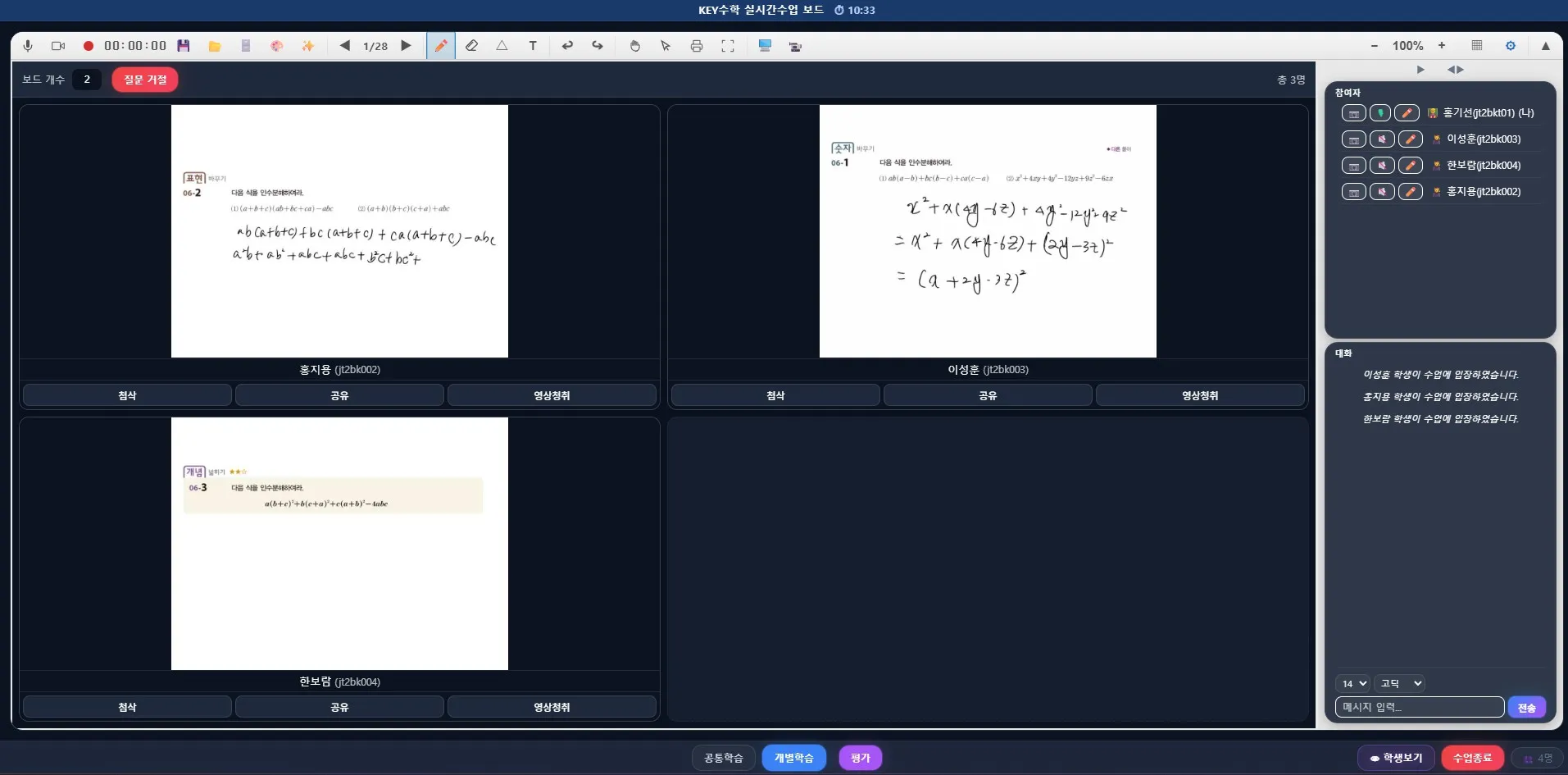
Why mix live and recorded classes?
The advantage of an online remote academy is fewer limits of time and place, but if you fill every class with recorded lectures, student management can easily become loose. On the other hand, if you run every class live, the teacher's time and energy become a limit. Mixing the two approaches appropriately is the realistic answer.
Recorded lectures: units that need concept explanations and repeated study
Live video classes: sessions that need problem solving, Q&A, and feedback
With this split, teachers can focus on the key sessions, and students can study ahead at their own pace.
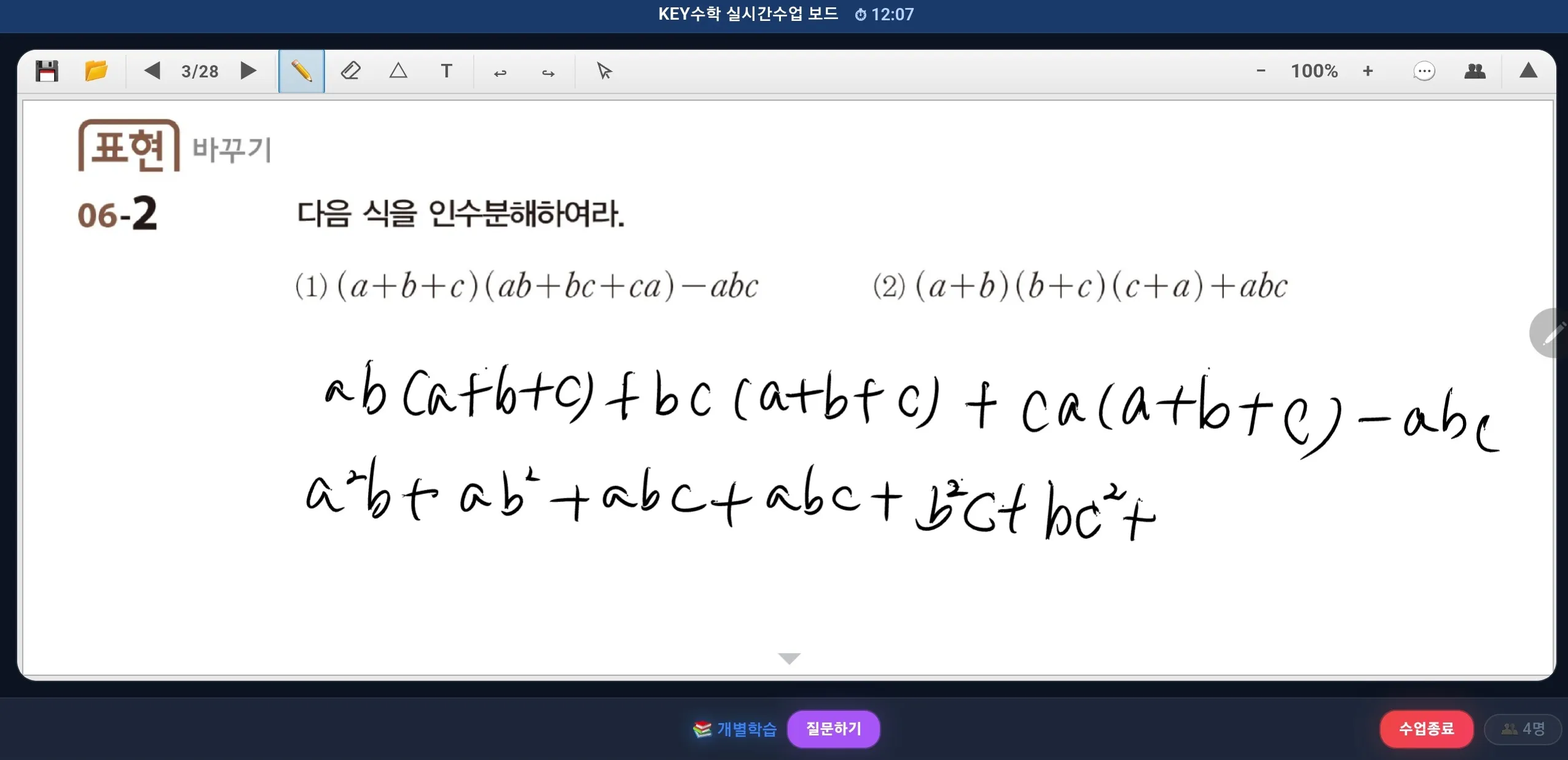
Why this matters especially for math
In math, the solution process matters more than the answer. A class that only shares the screen and explains problems makes it hard to tell where a student actually got stuck. Students often pretend to understand and move on, and teachers easily miss that point. That is why, if you run a math remote academy, you need a structure that lets you check each student's solution process in real time.
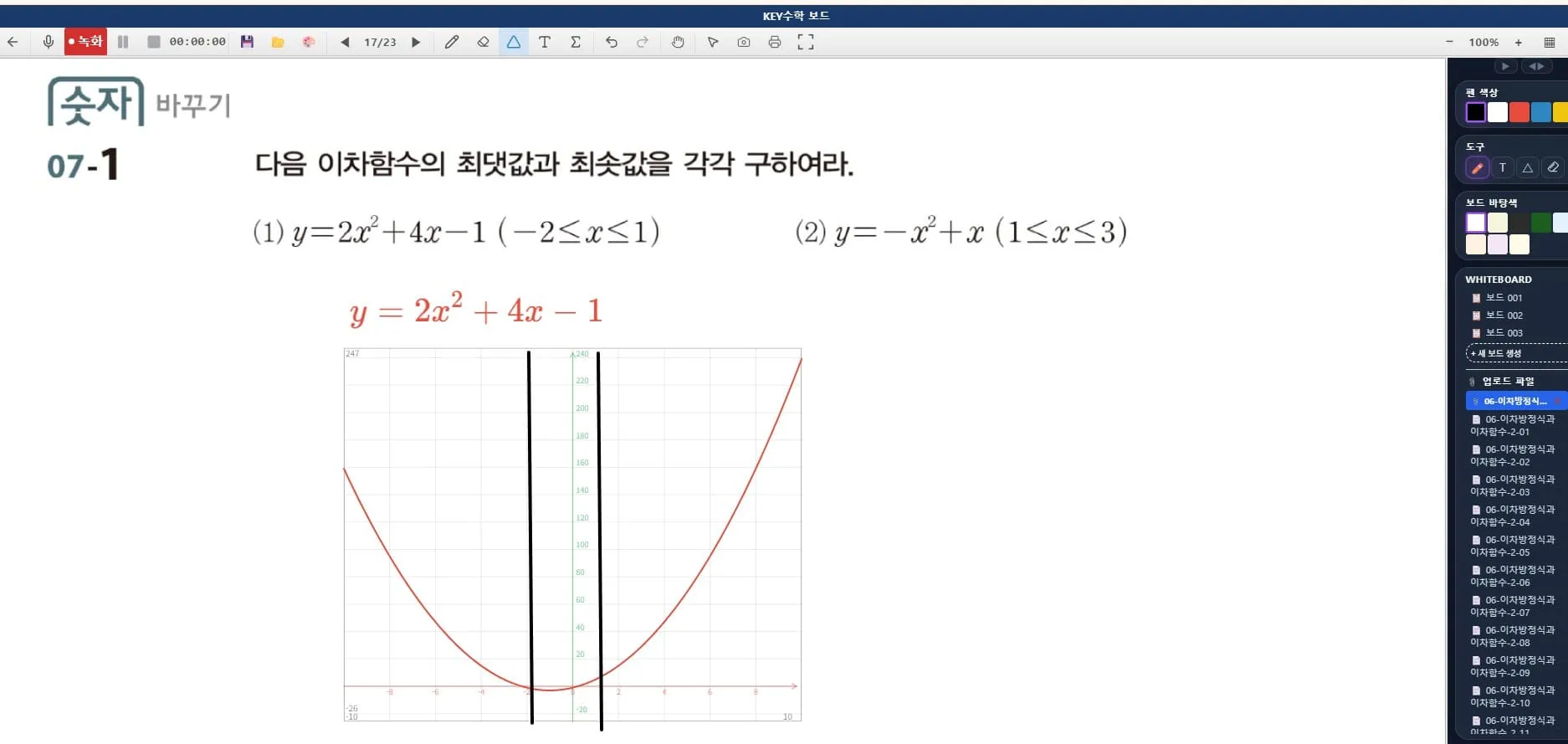
A mixed timetable designed with ClassCanvas
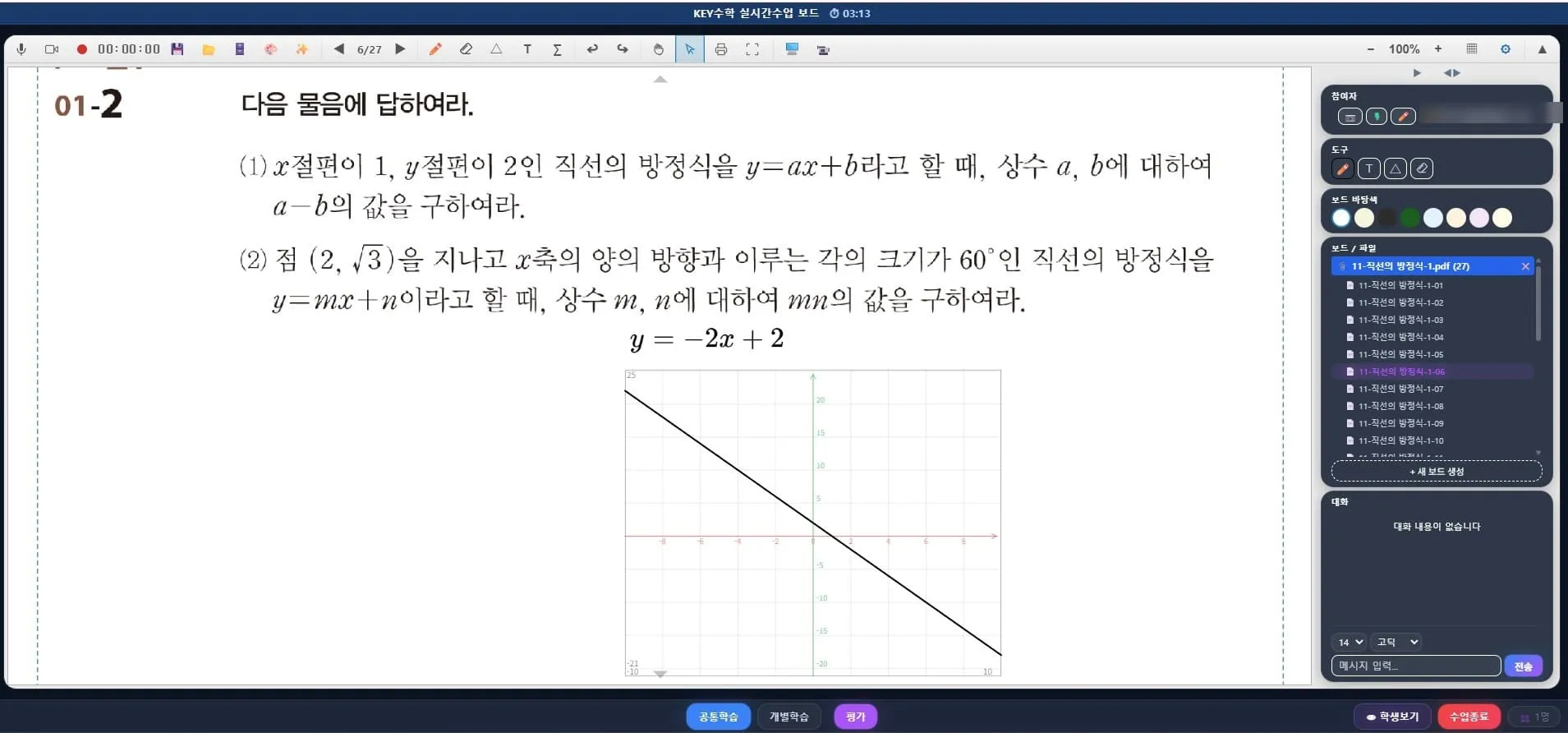
ClassCanvas was built to support live classes and learning management together to solve these concerns. The ClassCanvas live class program gives every student their own board, so the teacher can see each student's problem-solving process at a glance on the full screen. If a student is stuck, the teacher can enter that student's board and give one-on-one feedback, which allows the detailed guidance that is hard to achieve in screen-share-centered classes.
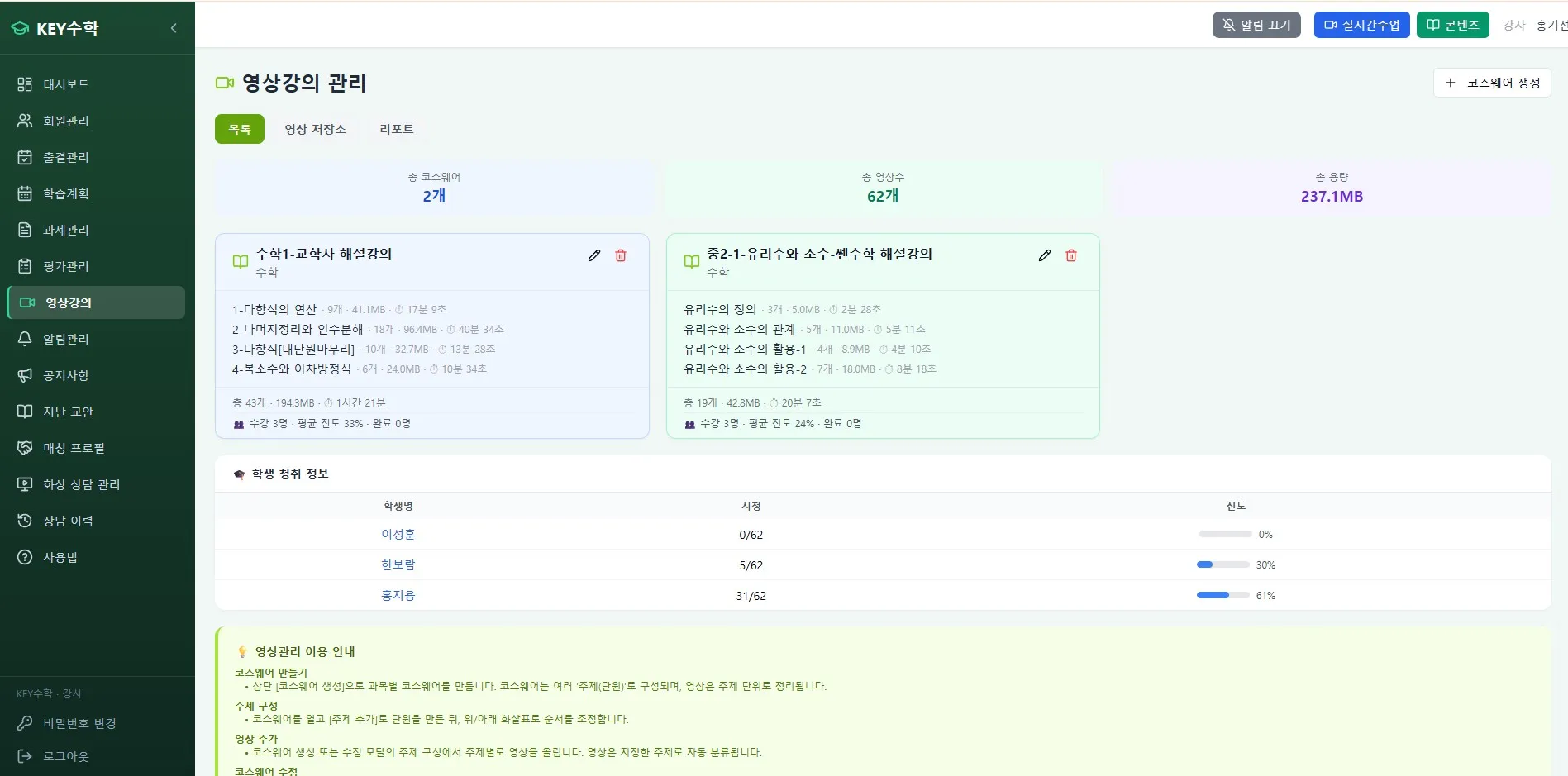
For recorded lectures, the ClassCanvas learning management system lets you run video lectures, assignments, tests, and attendance management all together. In other words, while running a single online remote academy, you can connect live video classes and recorded-lecture learning management in the same environment without separate tools.
Sample timetable for a math online remote academy
Below is a sample weekly timetable assuming a middle school math class.
Monday: Watch a recorded lecture (concept explanation, 30 minutes) + submit assignment
Tuesday: Live video class (solving on individual boards, 50 minutes)
Wednesday: Recorded review video + self-study time
Thursday: Live video class (focused on feedback for wrong answers, 50 minutes)
Friday: Take a test + check attendance
In this structure, concept learning is placed in recordings and problem solving and feedback in live sessions, which reduces the teacher's class workload while keeping the intensity of individual guidance.
A checklist before opening an online remote academy
If you're preparing to open an online remote academy, there are administrative matters to check in addition to timetable design.
Check the registration requirements for a remote tutoring academy
Whether you have your domain registration certificate ready
Whether you have signed the server rental agreement for the remote academy
Testing the stability of the video class program and the number of concurrent users
Differences in the reporting procedure depending on whether the remote academy is for adults or for minors
The detailed criteria for these administrative procedures may differ by local office of education, so it is safest to contact your local office of education in advance while preparing to establish a remote tutoring academy.
Operating tips by subject, such as English and math
If you also run 1:1 or small-group classes, such as English or math video tutoring, it is more effective to raise the share of live classes a little. Conversely, if you operate in the form of an online lecture platform for many students, it is also worth considering increasing the share of recorded lectures and scheduling only regular live check-in sessions.
Wrapping up
There is no single correct answer for an online remote academy timetable. However, for a subject like math, where checking the solution process matters, using individual boards and feedback features in live video classes is advantageous for learning outcomes. ClassCanvas offers live class and learning management features together with this kind of mixed operation in mind, so if you are a director preparing to open an online remote academy or looking to improve your current way of operating, it may be worth a look when designing your classes.
Procedure for establishing a remote academy
ClassCanvas learning management system
Phone inquiries: 1661-9155
ClassCanvas, the total solution for online remote academies