Problems that come with collecting assignments as photos at an online remote academy
Many directors and teachers who run an online or remote academy struggle with how students should submit assignments. Having students photograph their work and send it in looks simple, but in practice it creates a growing list of inconveniences.
These are the problems commonly seen with photo submission.
Handwriting comes out blurry because of lighting or camera angle, making grading difficult
Students send several photos separately, and some pages go missing
Marking up a photo is awkward, so feedback has to be sent separately by note or text message
Each student's files are scattered, which makes learning management inefficient
These problems go beyond simple inconvenience. They lengthen the time between submitting an assignment and receiving feedback. To keep class quality high at an online remote academy, it is important to organize the assignment workflow.
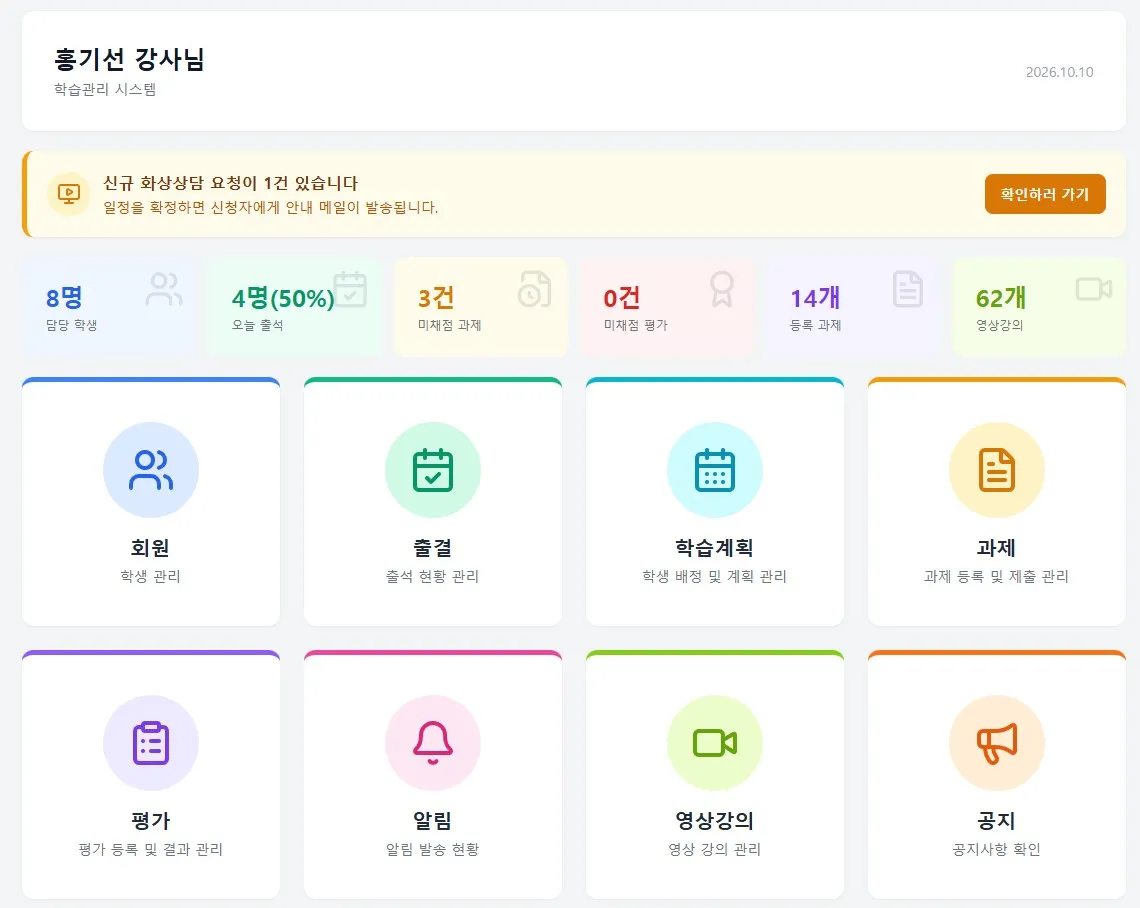
Why board submission suits running an online remote academy
Having students write out their solutions directly on a digital board instead of taking photos structurally reduces the problems above. When a student enters a solution on the board, it is saved immediately as data, with no worry about image quality or missing pages.
The ClassCanvas live class program is built around one board per student, so even during a live video class each student writes their solution on their own board and submits it as an assignment in one natural flow. Whatever is written during class can be kept as the assignment record, which removes the step of taking and sending photos.
Teachers benefit too. They can write feedback directly on the board a student submitted, so it is clear exactly what needs to be corrected. There is no more marking up photos with a pen or sending screenshots.
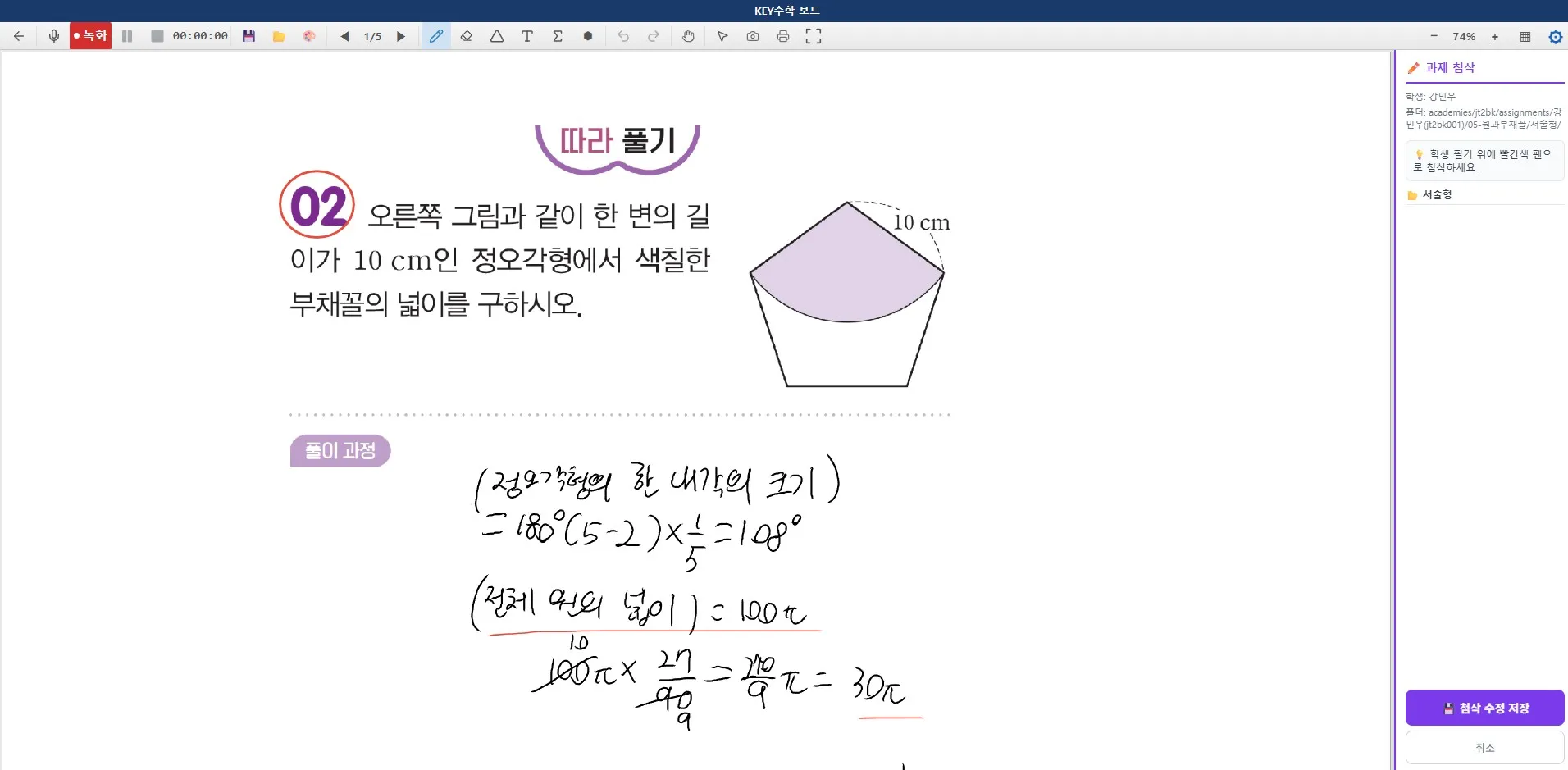
From one-on-one feedback to screen sharing
ClassCanvas's one-on-one feedback works even better together with board submission. A teacher can go through students' boards one by one, leave feedback right on the same screen, and, when needed, use screen share to explain a common error to the whole class.
This is especially useful for subjects where checking the solution process matters, such as math or English live video tutoring. For essay questions that must be written out, or subjects with many formulas, handwriting on a board conveys the work far more accurately than a photo.
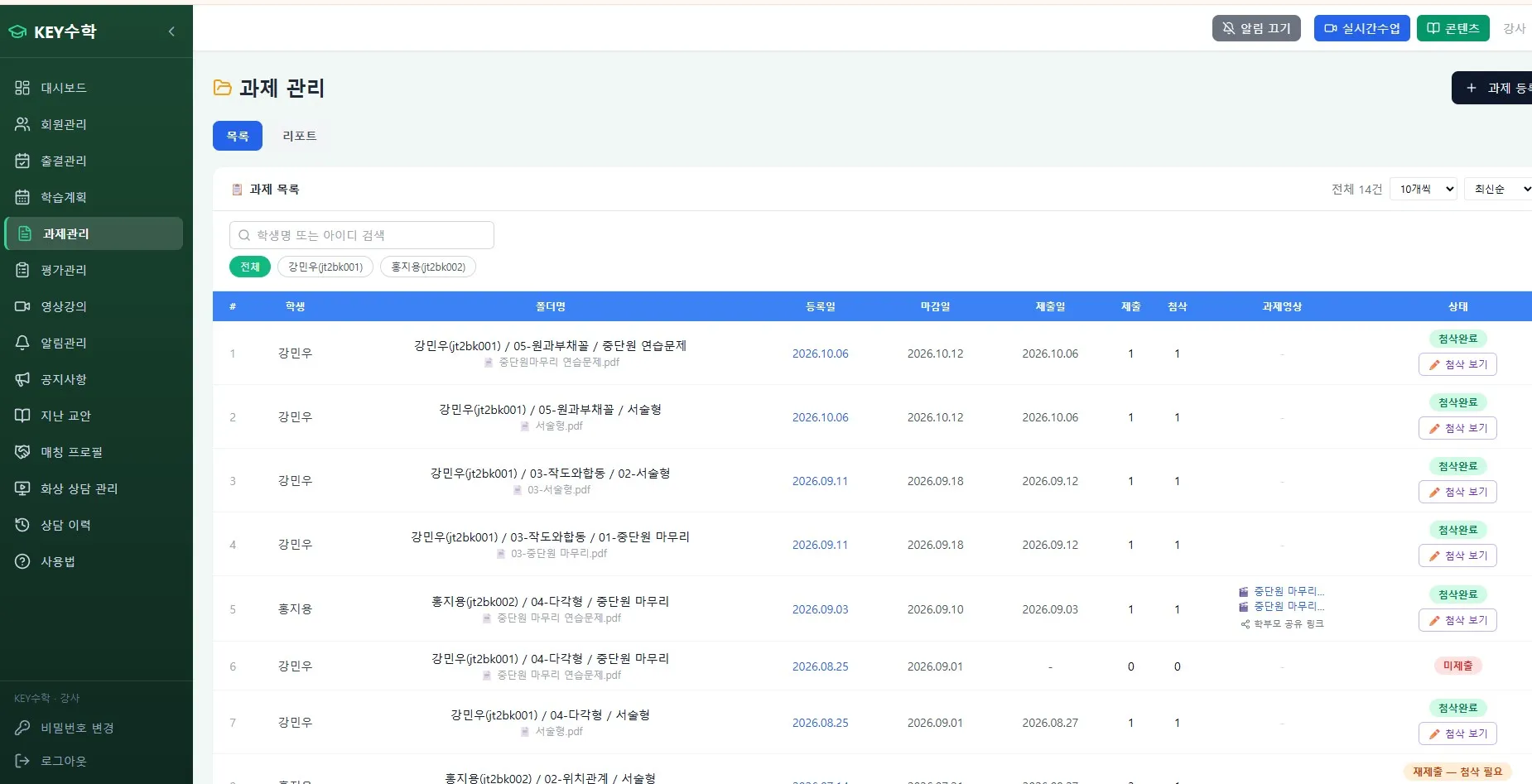
From assignment submission to notification: shortening the learning management workflow
One of the most tedious parts of running an online remote academy is telling students and parents the results of assignments. Writing separate text messages or making phone calls after board submission and feedback takes a lot of time.
The ClassCanvas learning management system supports a flow in which results are sent right away by KakaoTalk message once feedback is done. With assignment submission, feedback and result notification connected in one flow, the following changes take place.
Students write their solutions on the board and submit them
Teachers give feedback right on the same board
When feedback is complete, parents and students are notified automatically by KakaoTalk message
Assignment records and feedback history accumulate in the learning management system
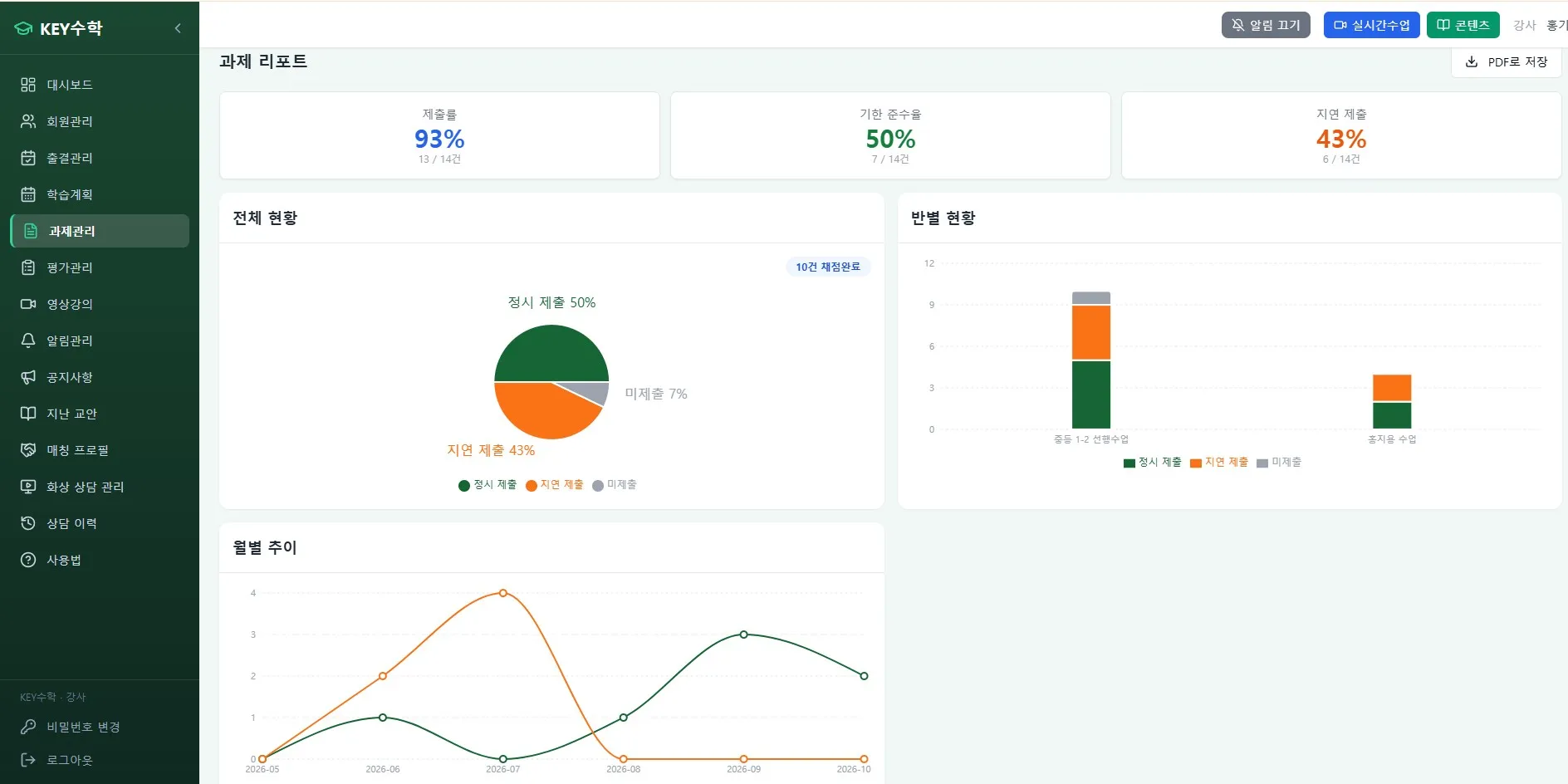
This flow shortens the time from assignment submission to feedback and frees directors and teachers from repetitive notification work. For a remote academy running several classes at once in particular, this kind of automation greatly reduces the operating burden.
Things to consider when starting an academy
If you are preparing to open an online remote academy, it is worth checking how assignments will be submitted in advance. In the early stage, attention goes to curriculum and promotion, so the assignment management tool is often decided later. But once operations begin, the assignment workflow directly affects learning management efficiency.
While preparing to open an academy, it helps to check the following together.
Whether students can write their solutions directly on a board
Whether teachers can give feedback on the same screen
Whether feedback results can be sent to parents automatically
Whether assignment records accumulate in the learning management system and can be tracked
Using these criteria to compare live video class programs and online lecture platforms helps you judge operating efficiency that goes beyond simply running classes to cover assignments, feedback and notifications.
Conclusion
Exchanging assignments as photos at an online remote academy comes with three problems: image quality, missing pages and the hassle of marking up feedback. Having students submit solutions directly on a board and teachers give feedback on the same board reduces these problems and speeds up assignment handling.
Add a flow that sends results by KakaoTalk message after feedback is complete, and the whole process from assignment submission to feedback delivery becomes much simpler. If you are running or preparing to open an online remote academy, we recommend taking a look at ClassCanvas's board submission, feedback and learning management flow.
ClassCanvas learning management system
How to set up a remote academy
Call us at 1661-9155 (Korean only)
ClassCanvas, the total solution for online remote academies