Is uploading videos enough? The progress management dilemma of online remote academies
Running an online remote academy comes with one especially frustrating moment: after distributing a video lecture, you have no good way to check whether a student actually watched it to the end. The attendance record may say "course completed," but the student may have simply left the video playing while doing something else.
In face-to-face classes, a teacher can gauge understanding from students' expressions and reactions, but an online remote academy structurally makes this kind of immediate feedback difficult. That is why video lecture management has to go beyond simply uploading content and reach the stage of checking students' learning behavior through data.
This article covers specific ways to manage progress at an online remote academy using video watch-rate data, and how to carry that into parent consultations.
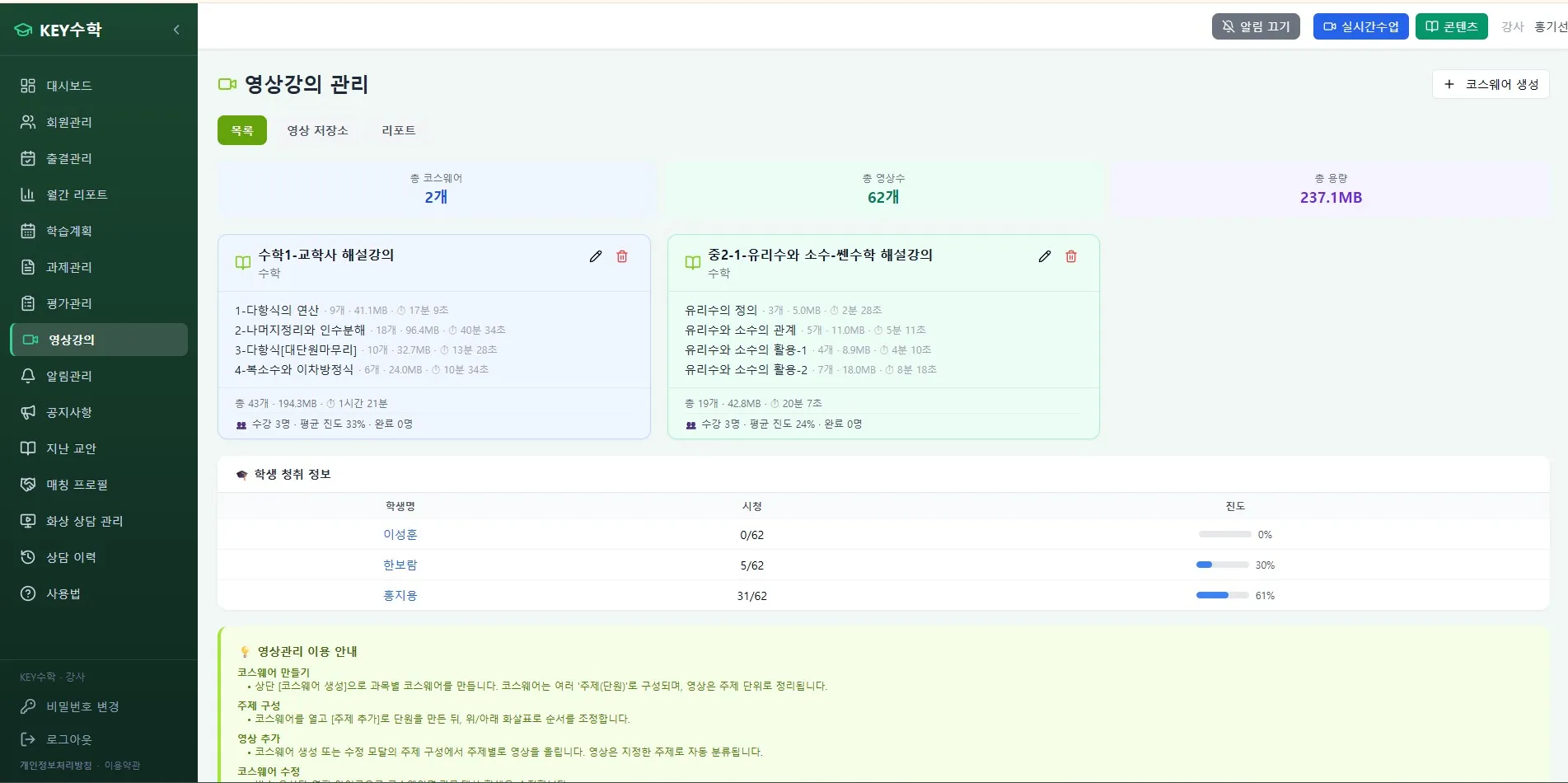
Checking progress rates with section-by-section watch records
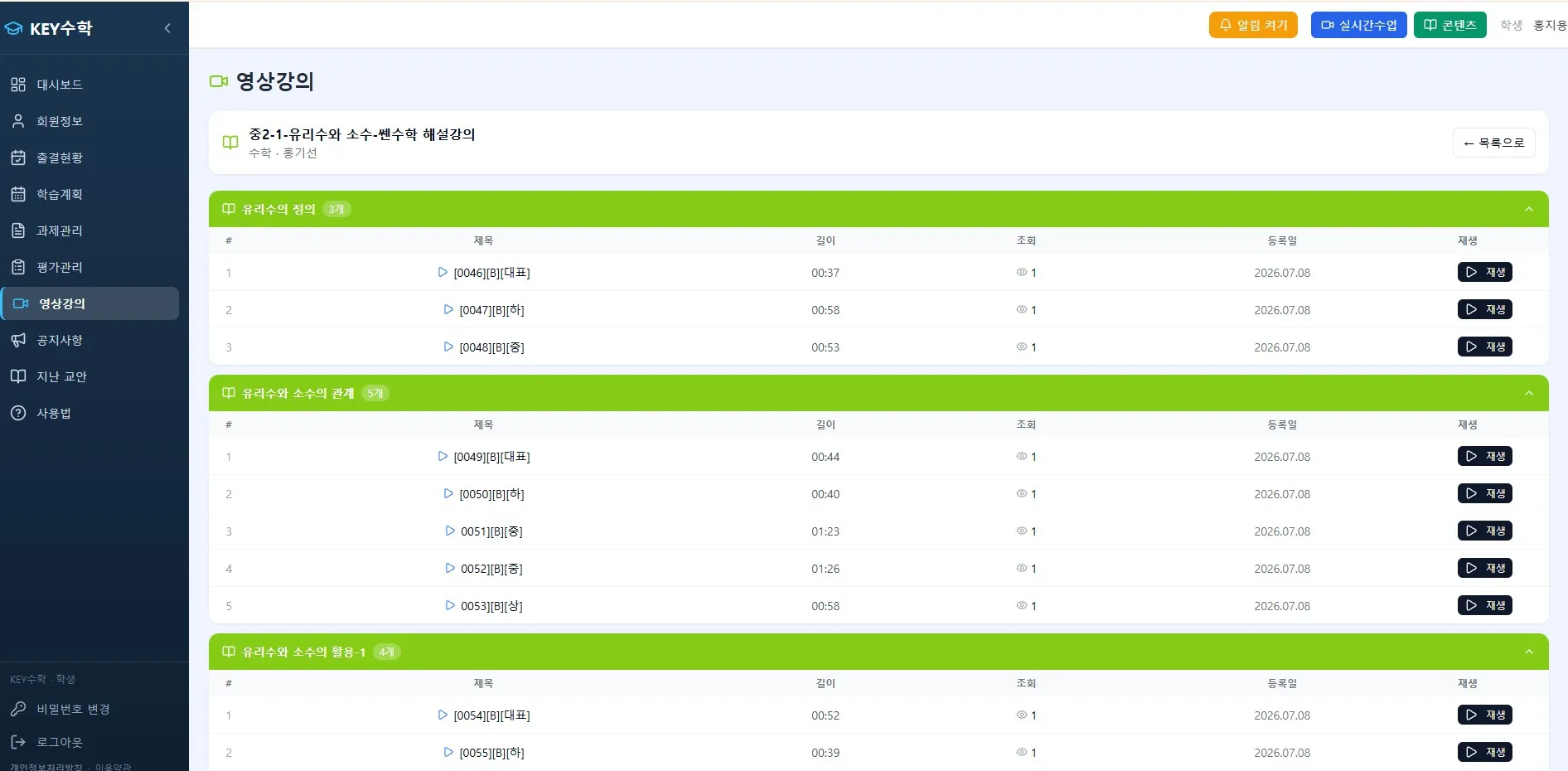
The most basic element of video lecture management is not "whether a video was completed" but "section-by-section watch records." By checking how many minutes of the total running time a student watched, from where to where, and whether any sections were rewound or replayed, you can see the student's learning pattern.
ClassCanvas's learning management system records video lecture watch data section by section. This lets you check the following information.
Each student's overall watch rate (the share of the total video actually watched)
Sections that were skipped and sections that were watched repeatedly
The point where the student last stopped watching
Average time to finish watching each video
This kind of data goes beyond "watched / didn't watch" and gives you grounds to infer which concepts a student struggled with. For example, if a particular section is replayed many times, you can use that by re-explaining that part during class.
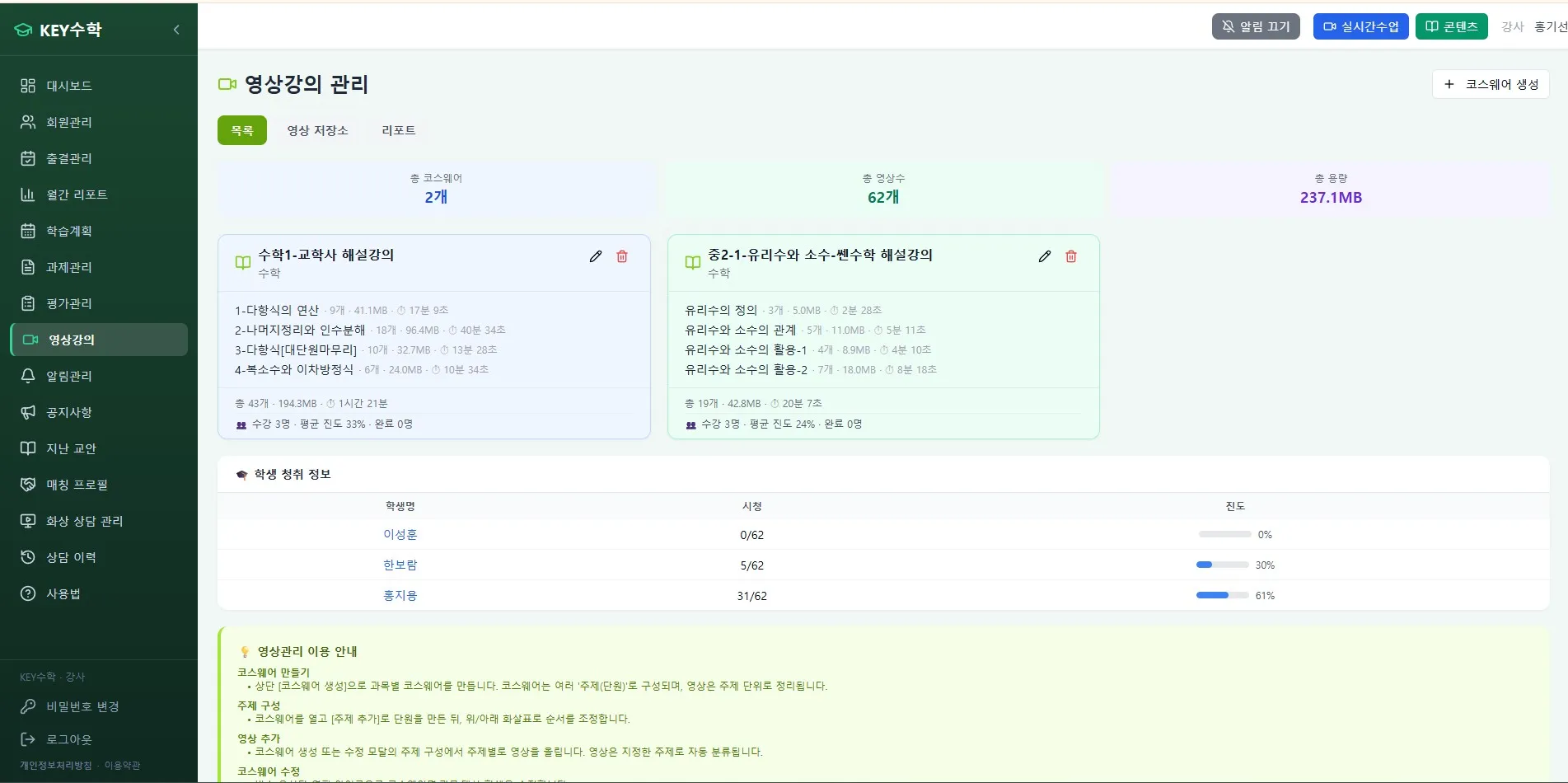
Preventing progress gaps with quiz pass requirements
Watch-rate data alone makes it hard to fully tell apart "the video was left playing" from "the student actually understood." A quiz pass requirement is one way to fill that gap.
In ClassCanvas, you can set a short check quiz after a video and require a minimum score before the student can move on to the next video. This can be expected to have the following effects.
It reduces the behavior of leaving a video playing just to move on.
Because progress naturally stalls at sections where understanding is low, teachers can tell when to step in.
Students can also build the habit of checking their own level of understanding.
An online remote academy depends heavily on students' self-directed learning attitude, and a quiz pass requirement serves as a minimum safeguard for learning.
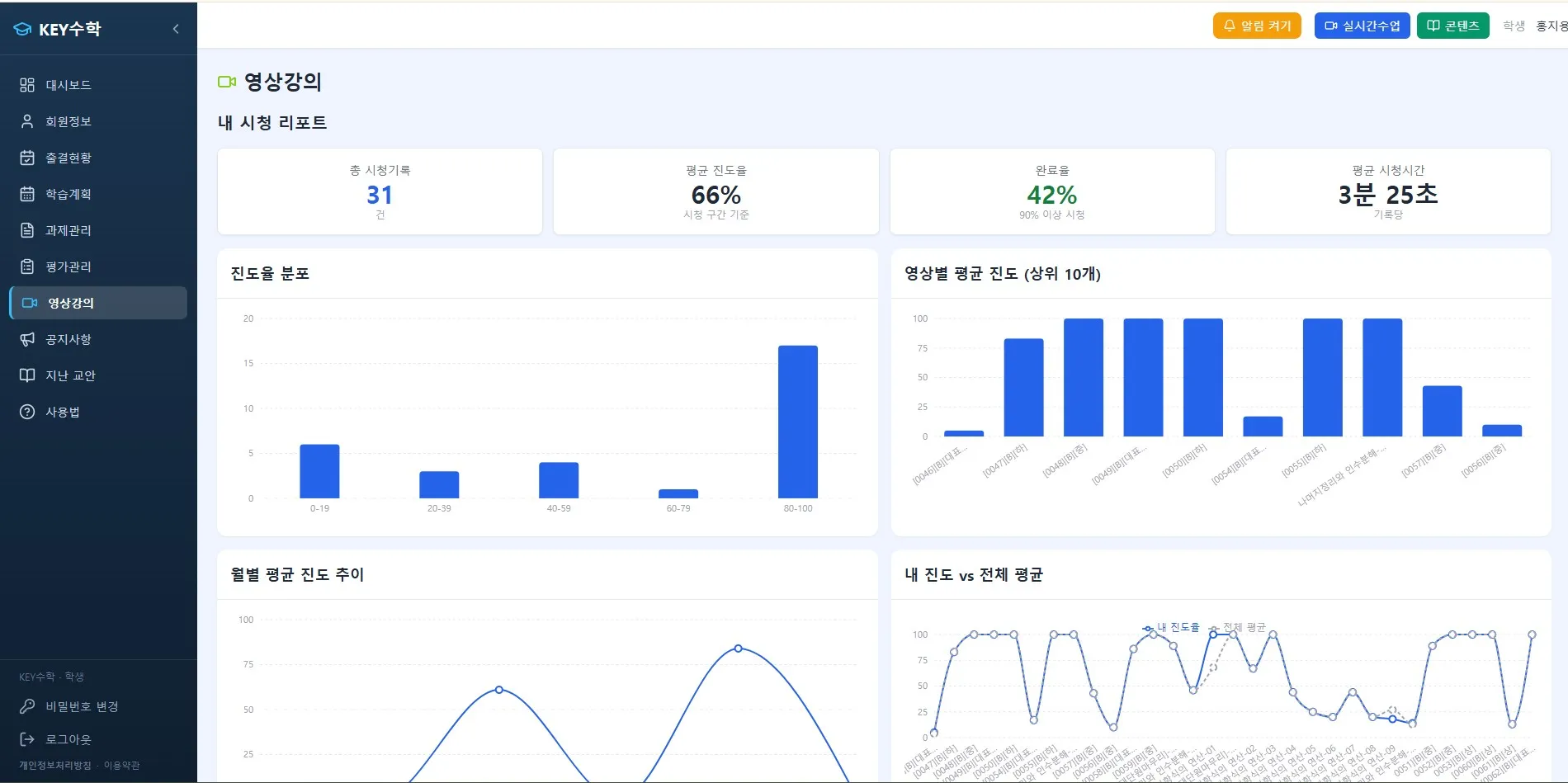
When should you send a notice to a student who is falling behind?
Once you have checked the progress data, the next step is deciding when to send a notification. If you send a notice too early, students or parents may feel it is excessive supervision; too late, and progress gaps may already have piled up.
In general, you can refer to criteria like the following.
When the progress rate is significantly below average at the 50% point of the enrollment period
When progress has been stalled on the same video for 3 days or more
When a student has failed a quiz 2 or more times and cannot move on to the next step
In ClassCanvas, you can view a list of students who are behind based on these conditions, so teachers don't miss the right moment to send an individual message or provide extra explanation. At an online remote academy, this kind of proactive management is genuinely helpful in reducing dropouts.
Using progress data as material for parent consultations
If you are a director or teacher at an online remote academy, you are probably often asked in parent consultations, "Is my child keeping up well?" Presenting concrete data rather than a gut-feeling answer makes a big difference in credibility.
For example, you can use the following kinds of information as consultation material.
Monthly video watch-rate trend
Quiz pass rate and number of retakes
When progress delays occurred and whether things improved afterward
With ClassCanvas video lecture management data, you can view this kind of information as a report without compiling it separately, which shortens consultation prep time while still giving you persuasive evidence. Parents also tend to trust the academy more when they receive feedback based on figures and records rather than vague explanations.
Conclusion: Data-based progress management is the foundation of an online remote academy
Unlike face-to-face classes, an online remote academy has the limitation that it is hard to observe a student's learning process directly. However, combining video watch data with quiz pass requirements can make up for much of that limitation.
In summary, you can manage progress with the following flow.
Check whether students actually studied through section-by-section watch records
Control progress to the next video with quiz pass requirements
Send notices at the right time based on progress-delay criteria
Reuse the accumulated data as material for parent consultations
Video lecture management is not complete just by producing good content. You also need to check how students are actually watching and reflect that data in your operations to ensure the learning effect of an online remote academy. With ClassCanvas's learning management system, you can run this process more systematically.
How to set up a remote academy
ClassCanvas learning management
Phone inquiries: 1661-9155
ClassCanvas: a total solution for online remote academies