Startup costs are done, so why does money still go out every month?
When preparing to start an academy, most people focus only on the initial costs. It's easy to think you're finished once you sign a live video class program contract, build a website, and set up your equipment. But once you actually run an online remote academy, you find that the fixed costs going out every month are heavier than you expected.
When I talk with academy directors around me, I often hear the complaint, "I'm sure I didn't spend much, so why does this much go out every month?" Because they pay for several programs separately, costs often pile up without them even knowing where the leak is. So today I've put together a way to check monthly fixed costs for directors and teachers who are running or preparing an online remote academy.
Where are your online academy's monthly fixed costs leaking?
Let's first go through, one by one, the items that go out every month when running an online remote academy. People running a remote academy for the first time often don't see these items separately and just pay for whatever is needed at the moment, and later find quite a lot of duplicate spending.
Monthly fixed-cost items to check
Class program fees - If you use a separate platform for each subject, such as for a live video class program, English video tutoring, or math video tutoring, duplicate payments easily occur.
Notification costs - These are costs for notices to parents, such as text messages and KakaoTalk messages, and in many cases the pricing plan doesn't match actual usage.
Website and online lecture platform upkeep - Check whether you are paying separately for domain registration certificate renewal, hosting fees, and platform subscription fees.
Equipment upkeep - Repair service and consumables costs for equipment such as cameras, microphones, and tablets.
Marketing costs - Check whether you have fixed monthly expenses such as advertising fees and fees for outsourced social media management.
Server rental costs - If you signed a separate server rental contract for your remote academy, keep checking this cost regularly as well.
Listed out like this, you may feel there are more items than you thought. The problem is that each item runs through a different vendor and a different payment date, so it's hard to see the total amount at a glance.
How to find duplicate costs before you start an online business
If you are a prospective director preparing to start an online business, I recommend checking the items below before signing any contract. It's also worth reviewing them once even if you are already operating.
Duplicate spending checklist
Are you using a class program and a learning management system separately?
Does your class program already include notification sending, yet you are also using a separate text message service?
Are you managing video lectures, assignments, tests, and attendance with different tools and paying for them in duplicate?
Are live video classes and learning management separated, so that you are paying twice?
Have you ever compared the cost of renting versus buying equipment?
In particular, using live video class features and learning management features separately is the most common pattern in which costs leak. If you use program A for classes, program B for assignments and attendance, and service C for notifications, each monthly subscription fee adds up to a bigger amount than you'd expect.
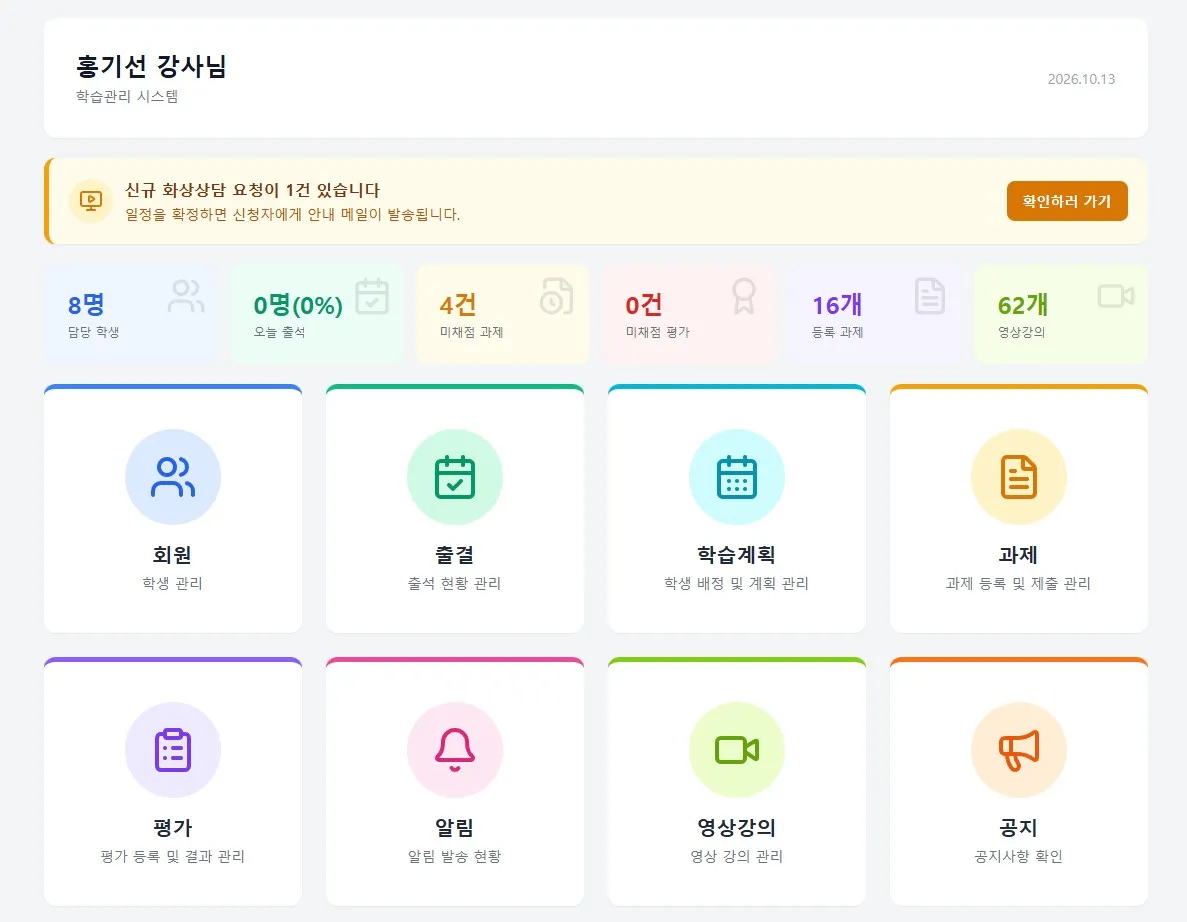
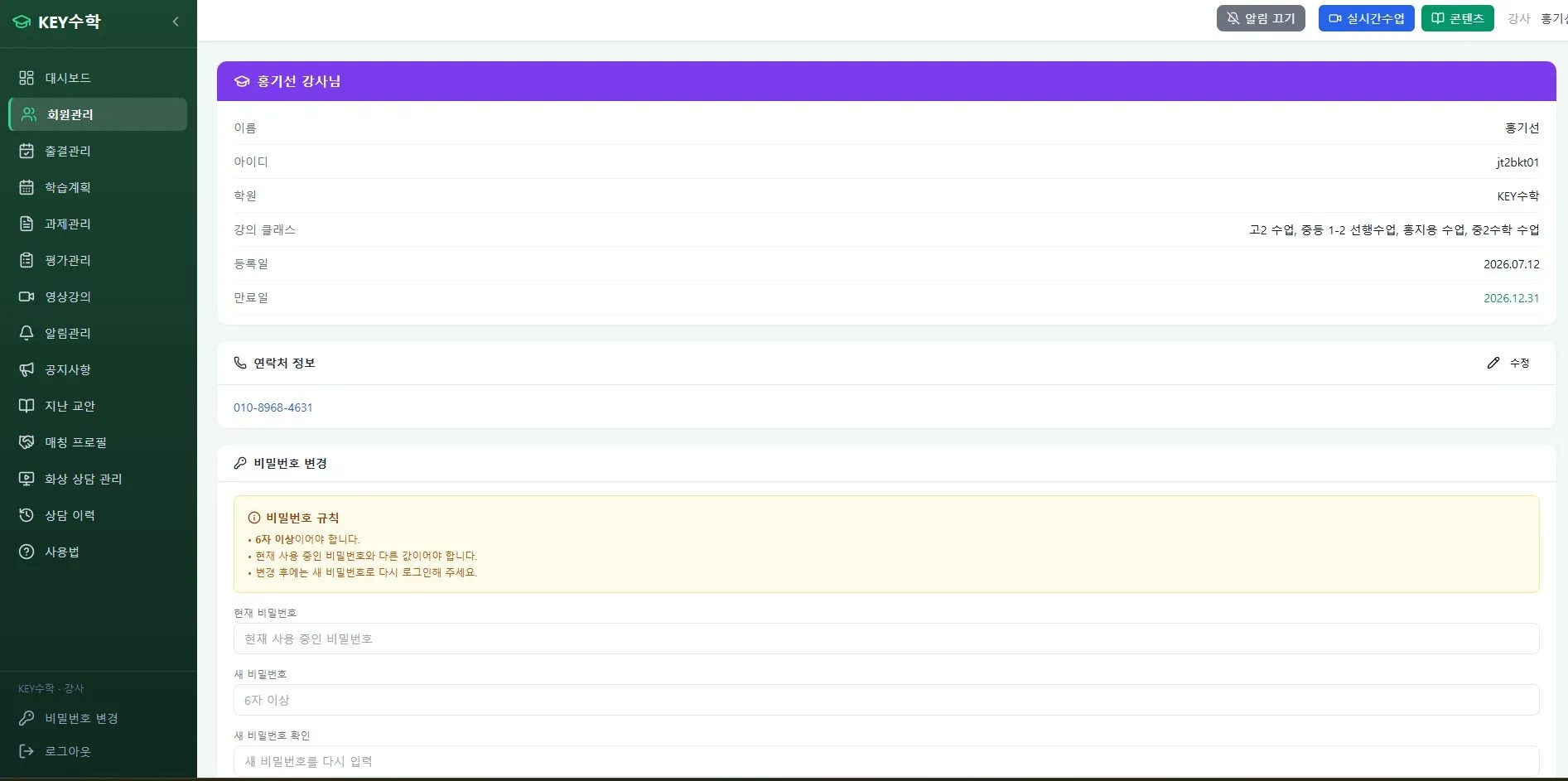
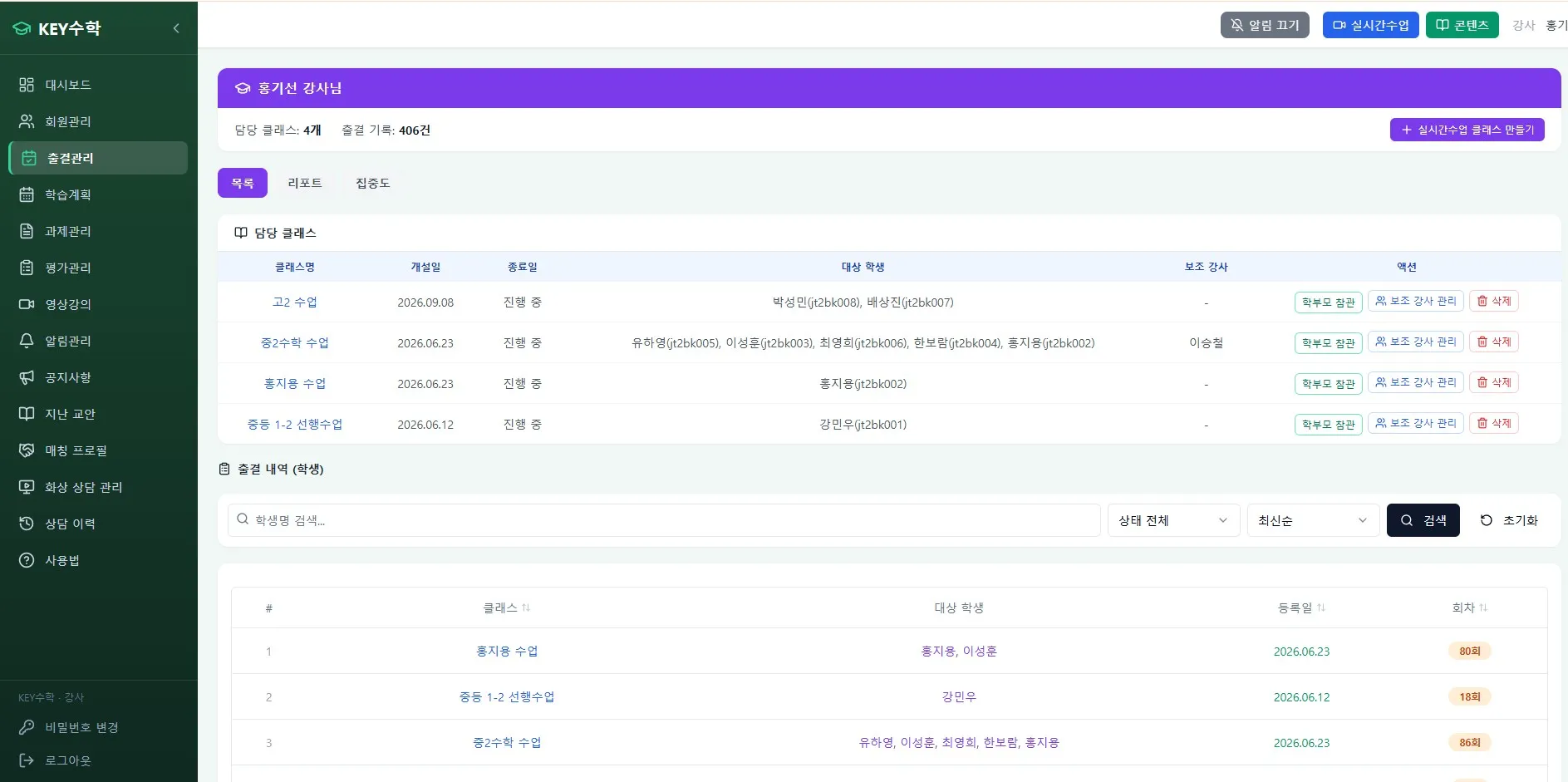
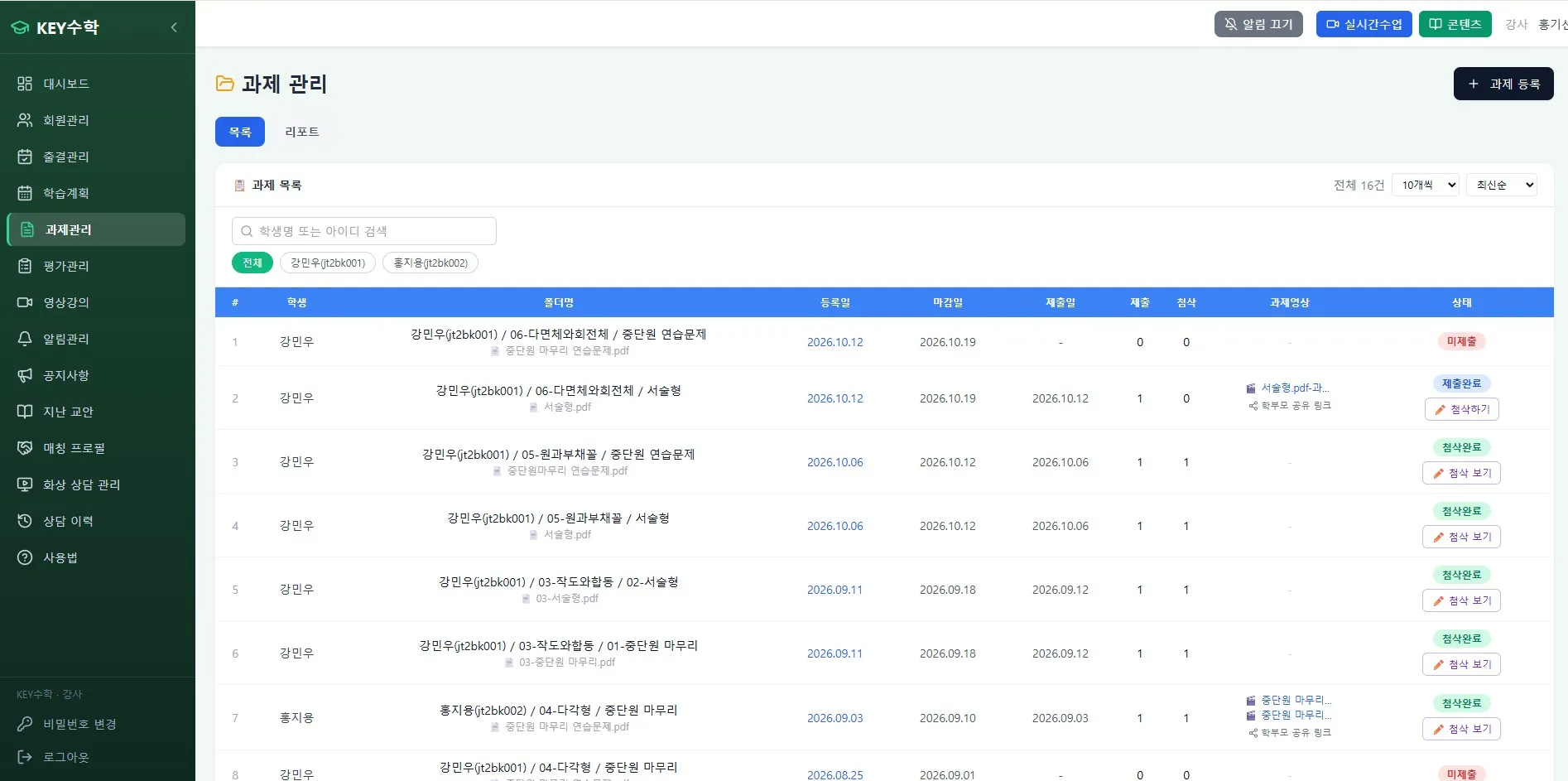
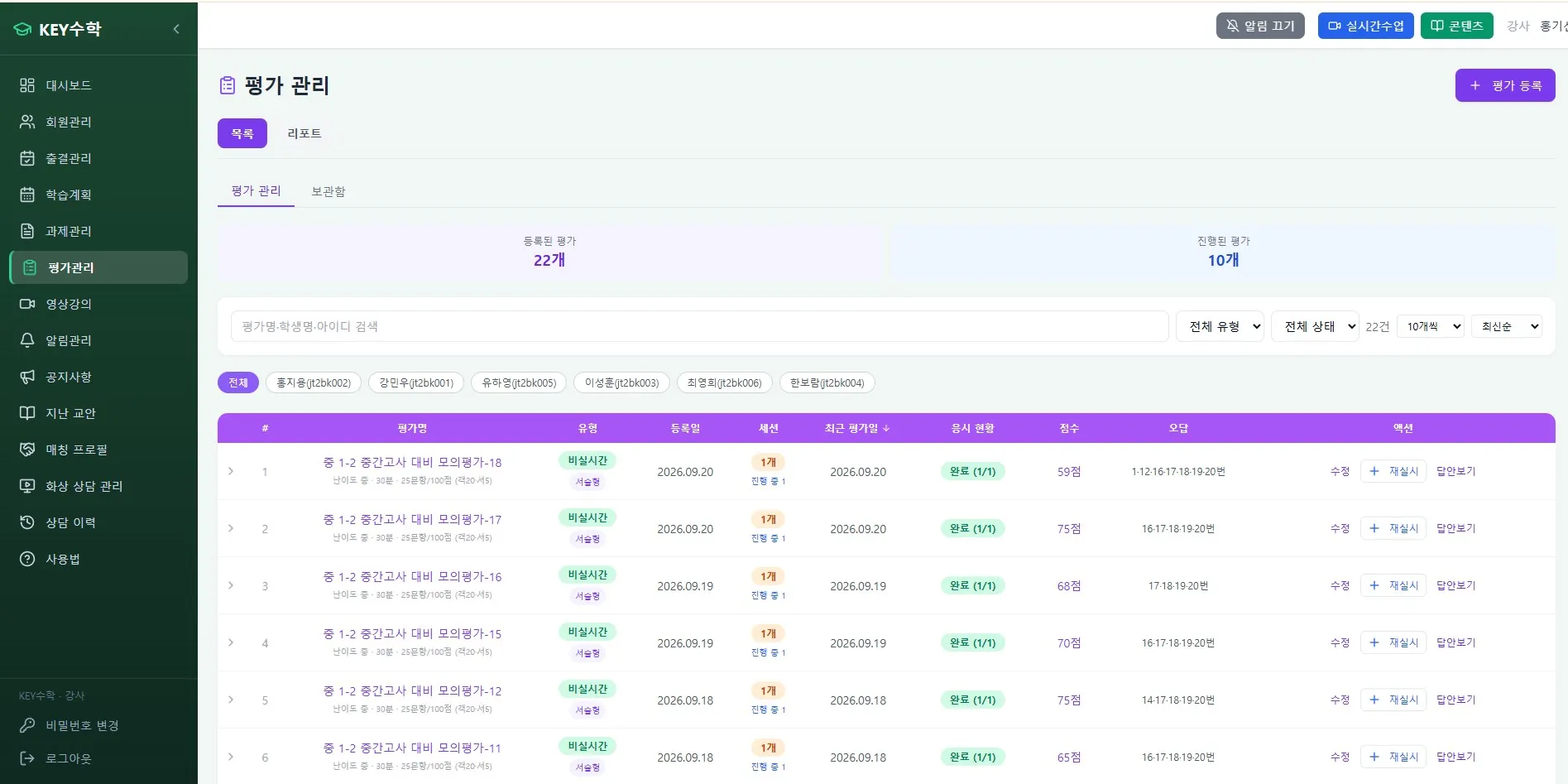
In situations like this, using a service like ClassCanvas that lets you run live classes and learning management together can reduce duplicate payments. The ClassCanvas live class program provides one board per student, individual mode, one-on-one feedback, and screen share, and the ClassCanvas learning management system lets you manage video lectures, assignments, tests, and attendance in one place, so you need to pay for fewer separate tools.
Criteria for adjusting fixed costs to your operating size
Not every director runs an academy of the same size, so you need criteria for adjusting fixed costs to your size.
Checking criteria by size
Small (30 students or fewer) - A plan built around only the essential features works better than an expensive plan with too many features.
Medium (30 to 100 students) - This is the range where using learning management and the class program as one integrated service improves cost efficiency.
Large (100 students or more) - This is the time to reconsider your pricing plan based on notification volume, server traffic, and similar factors.
For a remote academy aimed at a specific target group, such as adults, class times and content formats differ, so you should also consider a pricing plan structure that fits them.
What to check before registering a remote tutoring academy
If you are preparing to establish an online academy or a remote tutoring academy, I recommend simulating your operating cost structure in advance, separately from the registration procedure for a remote tutoring academy. If you organize your monthly fixed-cost items starting from the document preparation stage, such as the domain registration certificate and the server rental contract, there will be less confusion later.
Wrapping up
For an online remote academy, managing the fixed costs that go out every month matters more in the long run than the initial startup cost. When running an online remote academy, many people don't notice costs leaking away because they use several tools separately, so I recommend organizing your fixed-cost items in a table and checking them at least once a month.
If you are paying separately for the class program, notifications, website, equipment, and marketing, check whether any of them can be combined. Using a service like ClassCanvas that provides classes and learning management together can help you reduce unnecessary duplicate costs when running an online remote academy. If you are preparing to start an academy, check before signing a contract; if you are already operating, I recommend checking right now.
Remote academy establishment procedure
ClassCanvas learning management system
Inquiries: 1661-9155
ClassCanvas: the total solution for online remote academies